
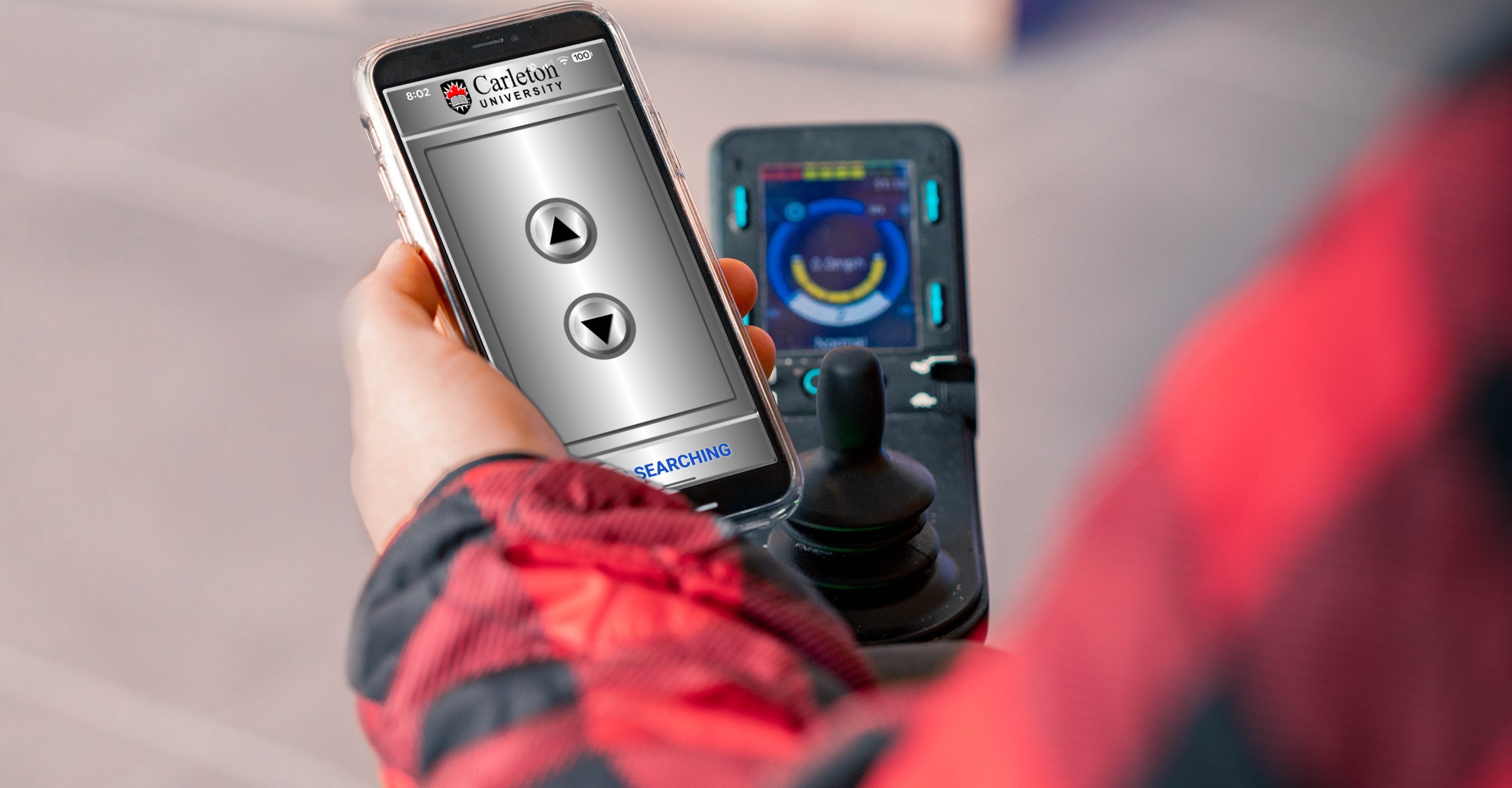


Contactless Access devices let people open accessible doors, call elevators and press transit buttons from their phone, with our free CA Secure app. The buttons the building already has keep working as normal.
See CA Secure
Swipe or scroll through the app as people use it today.
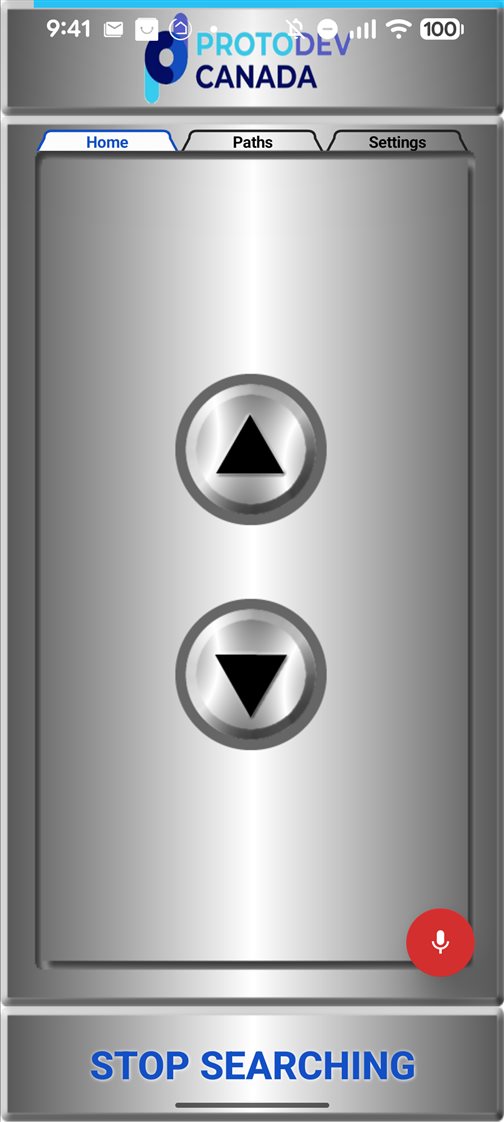
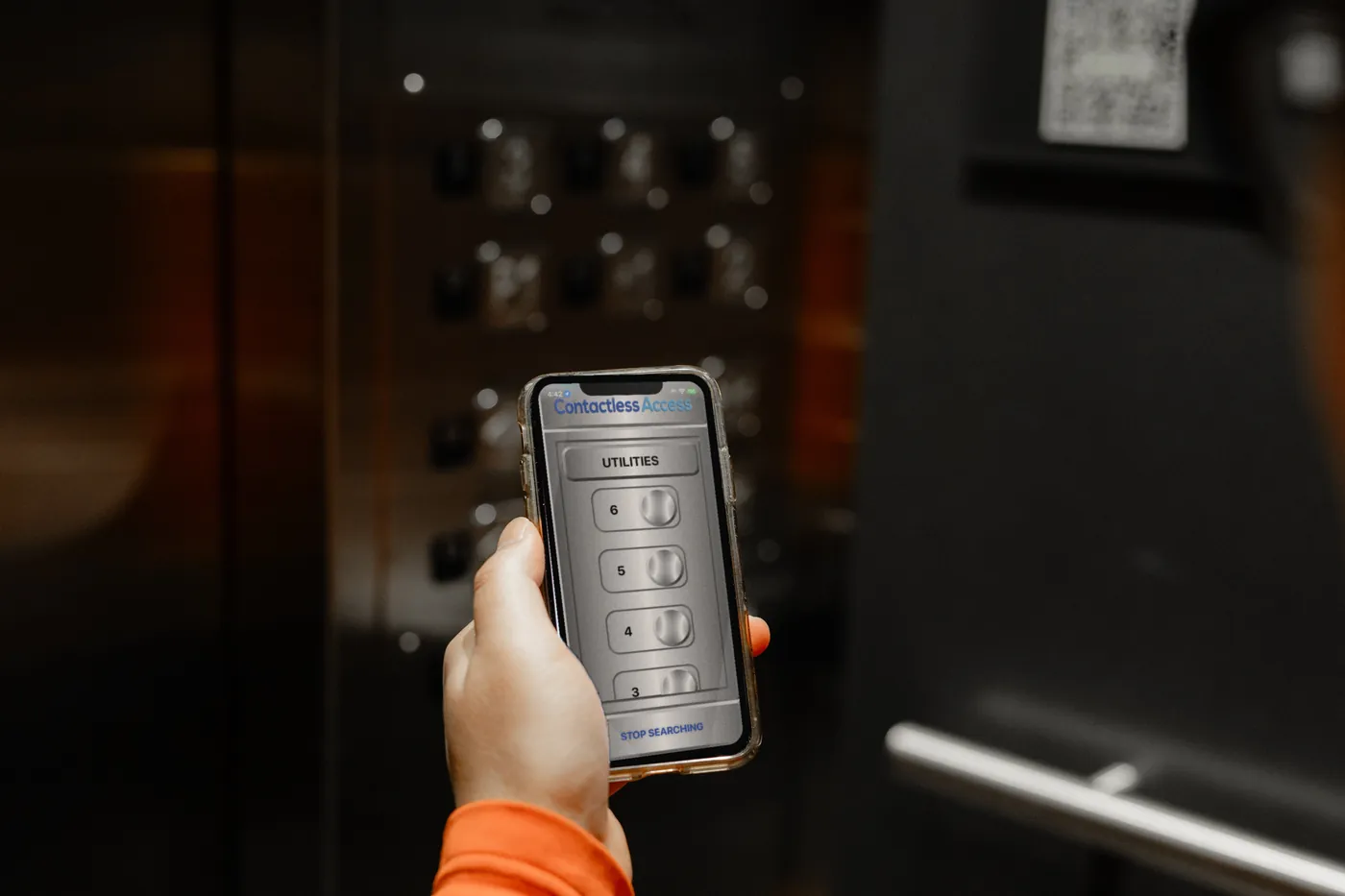
Call the elevator 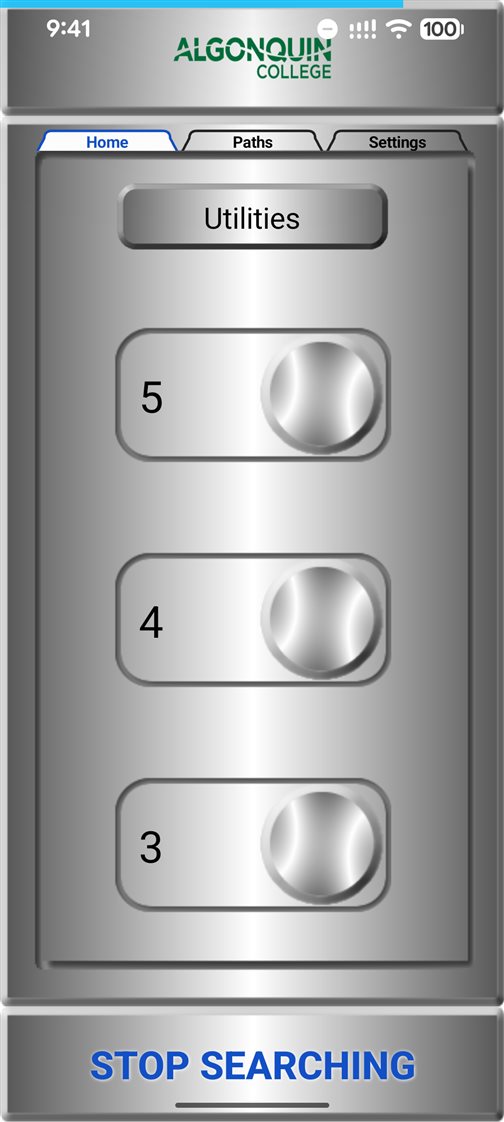
Choose your floor 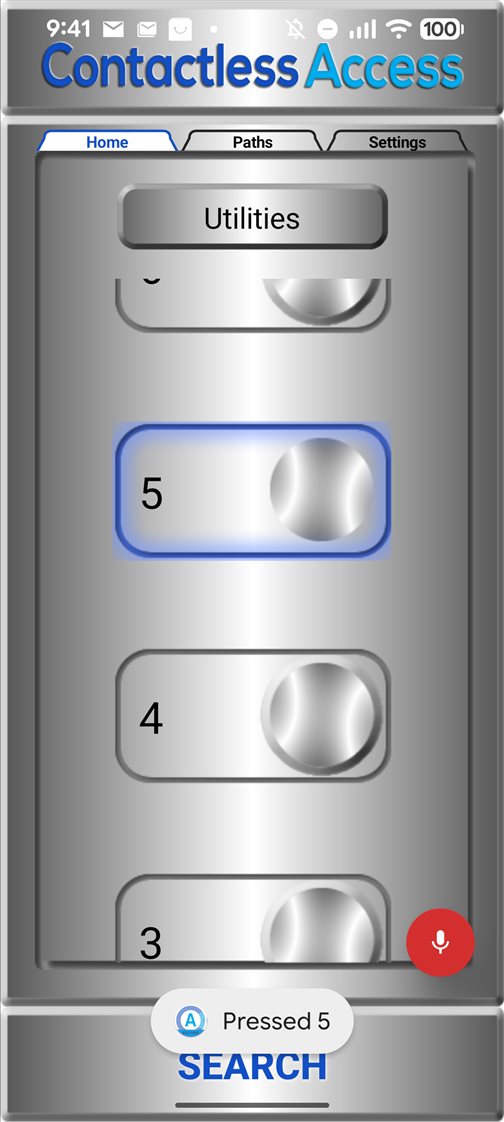
Say “OK CA”, then 5 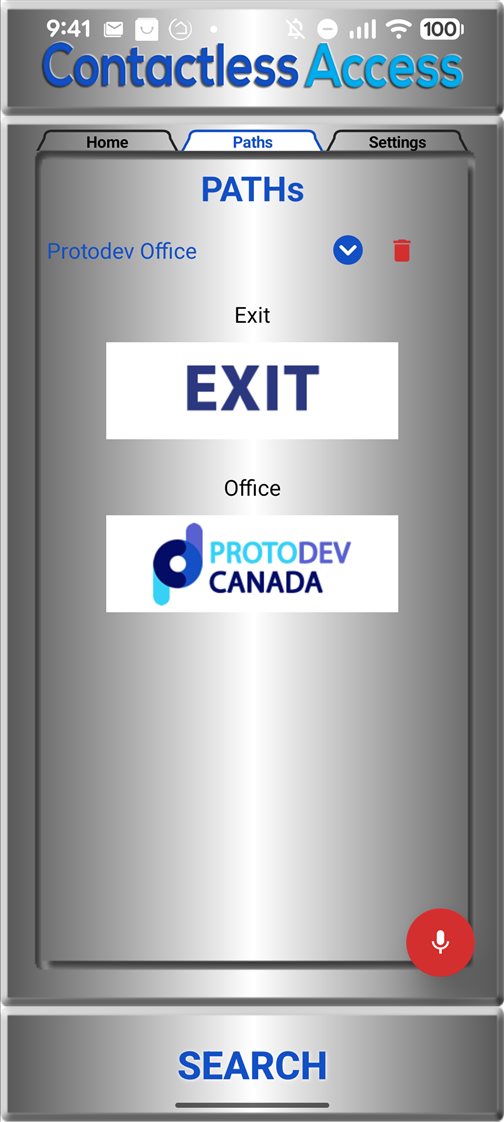
Your paths 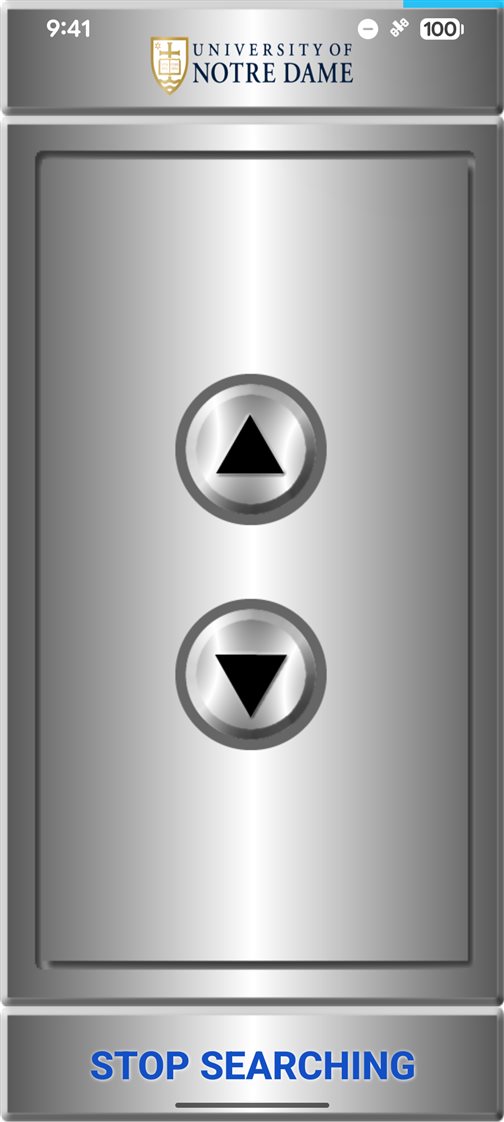
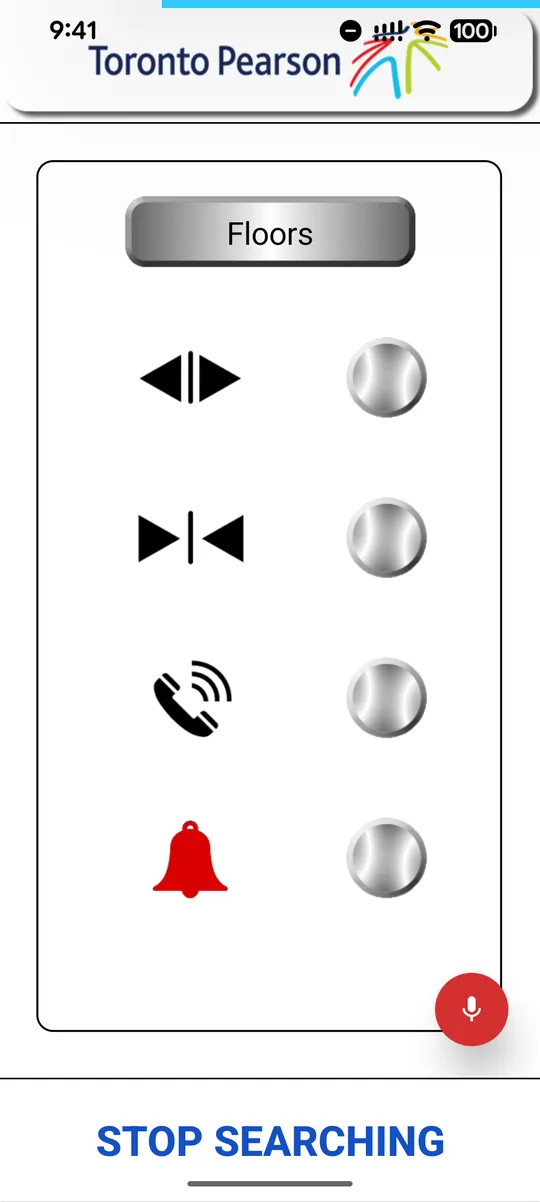
Each building’s own logo 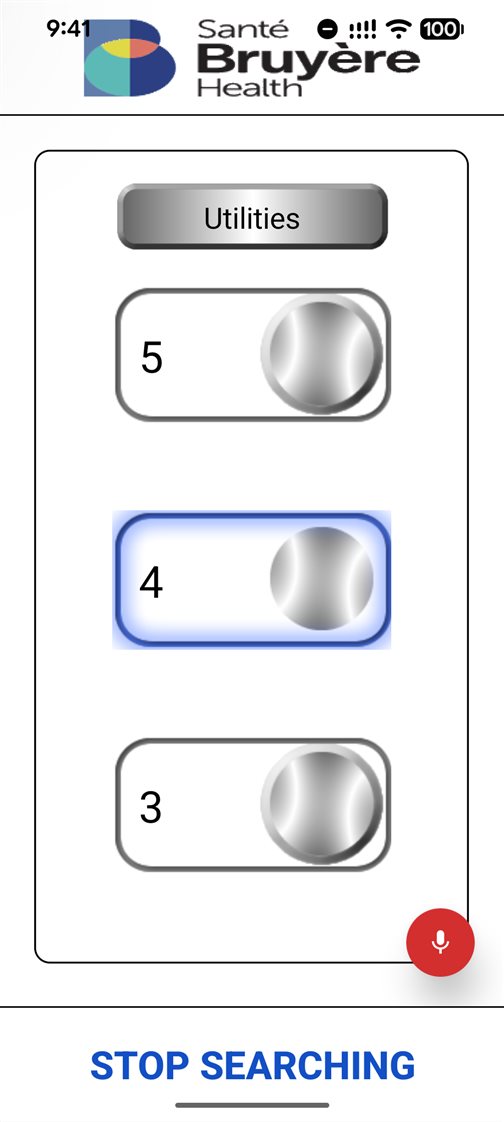
High contrast 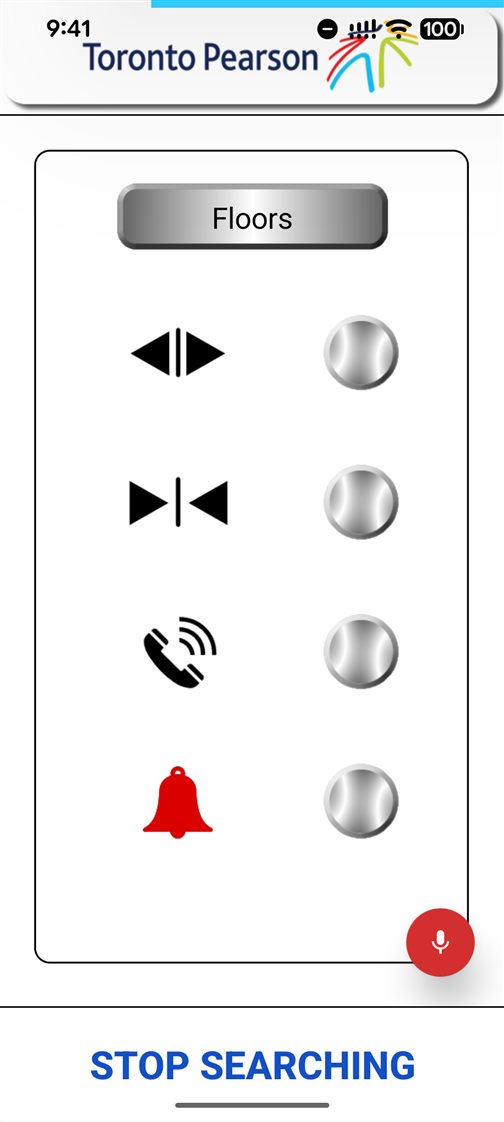
Door, phone and alarm 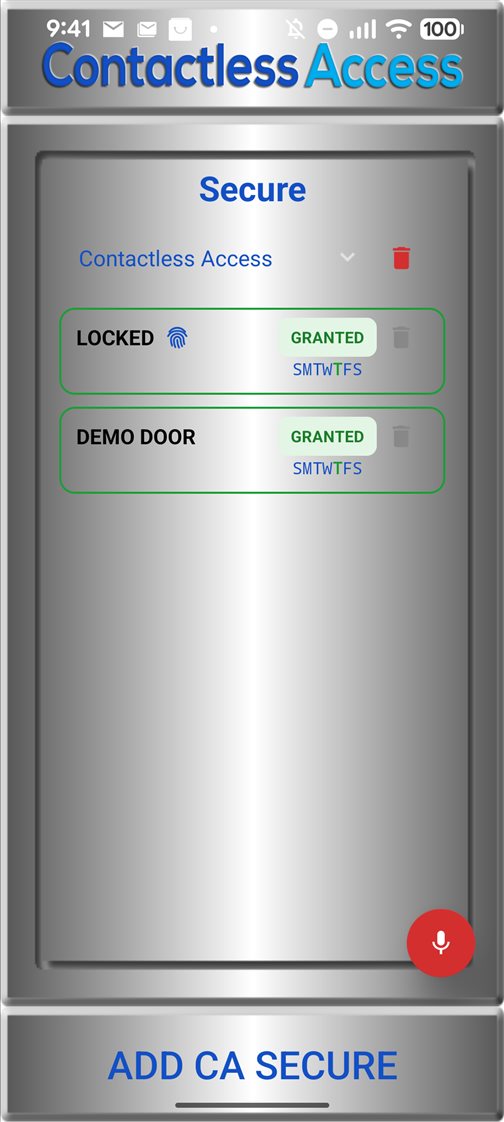
Secure doors
Tap. Speak. Or just arrive.
Wherever Contactless Access devices are installed, the doors and elevators nearby become large, clear buttons on the phone.
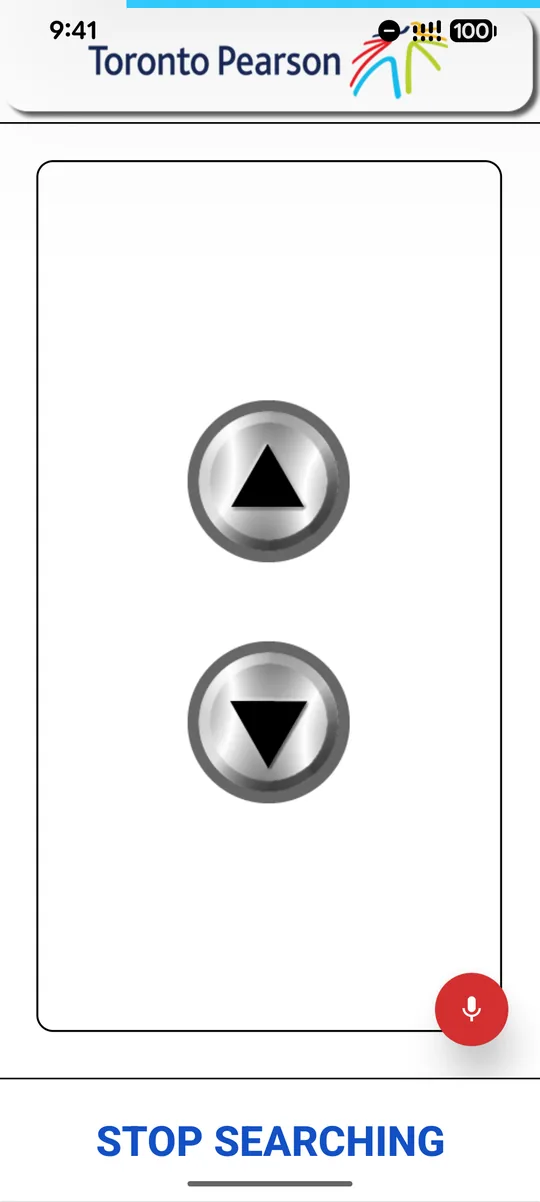
Tap
Call the elevator, choose a floor, open a door. Every button is large and clear.
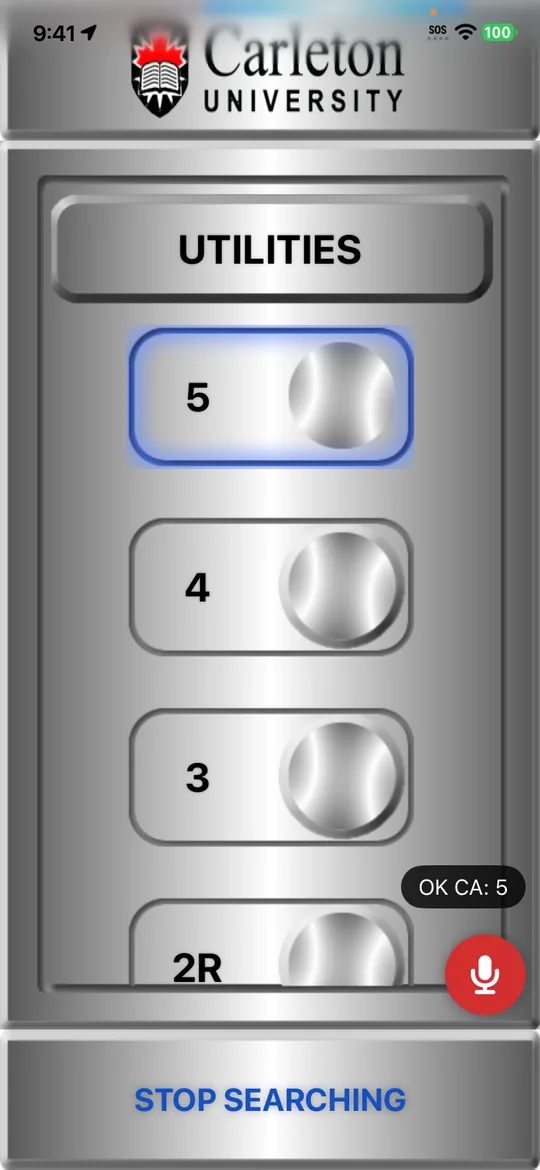
Speak
Say “OK CA”, then the floor, door or path. The phone’s own speech recognition does the listening.
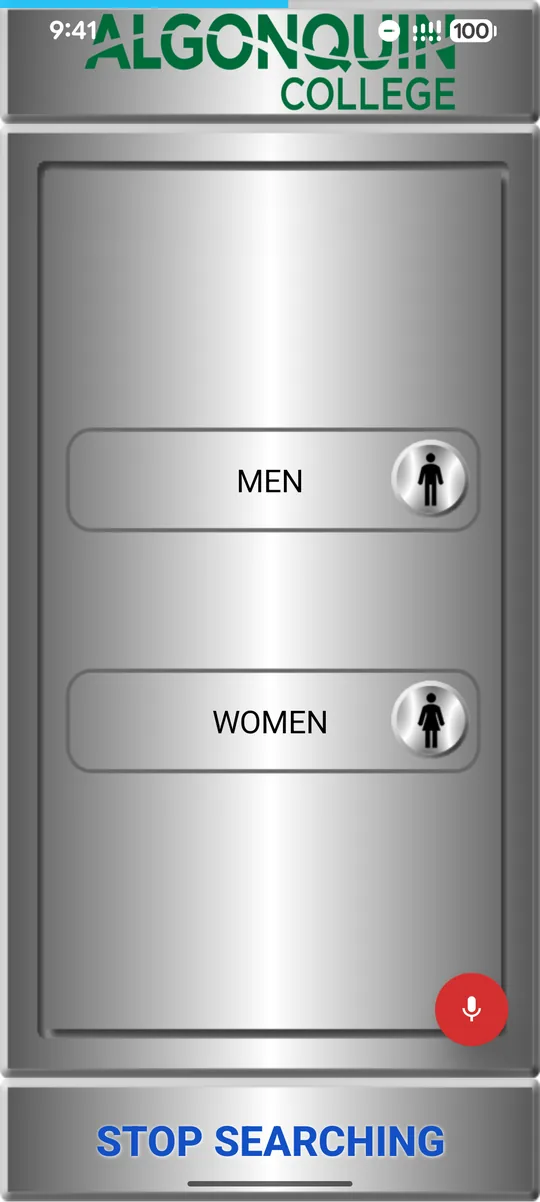
Arrive
With Auto Doors and paths, doors open and elevators are called as the person arrives.
Independence for people. Accessibility for buildings.
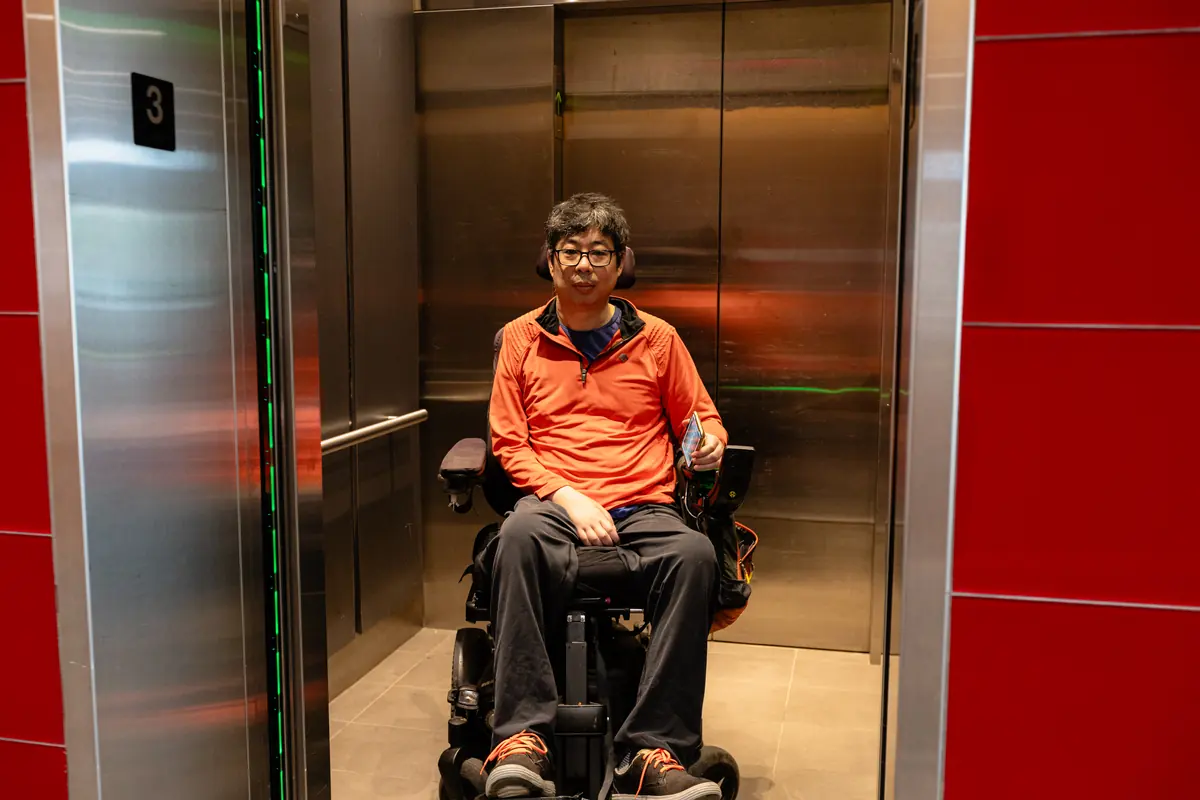
People who use it
- Wheelchair users, and anyone who can’t easily reach a button
- People with limited hand or arm movement or strength
- People with low vision
- Anyone with their hands full, or who prefers not to touch
The app is free, with no account, no ads and no tracking.
Building owners and managers
For residential, office, campus, hospital and university buildings and transit stations. Make the doors and elevators you already have accessible from a phone, without replacing a thing, and add secure doors when you need them.
Elevator and door companies
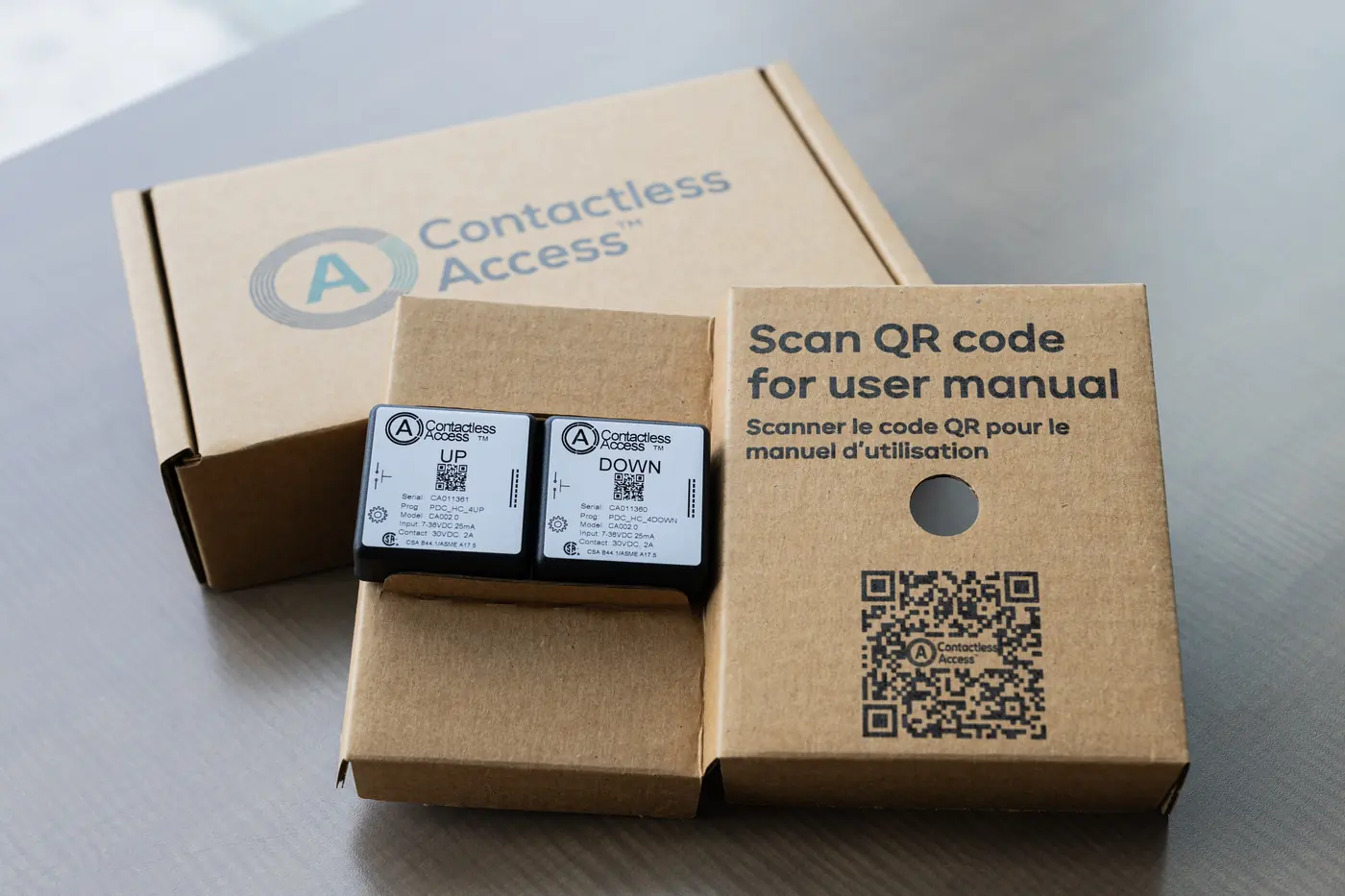
Install Contactless Access devices on the elevators and doors you look after. They connect to the existing buttons, which keep working as normal. Every device is tested in production and tracked to the car, floor or door it’s installed on.
Secure doors, when you need them
Some doors should only open for approved people. CA Secure handles those too, with the checks each door needs.
- Access arrives by email link or QR code, with no account or password
- A one-time SMS code, and fingerprint or Face ID for extra-secure doors
- Dates, hours and days for each person, and access withdrawn at any time
- A log of every press, and it works at the door even without internet
Accessible by design
- Built to WCAG 2.1 Level AA
- Works with VoiceOver and TalkBack
- High contrast, and text up to 200%
- Voice control: “OK CA”
- Works sideways, with the phone in a holder
- Home-screen widgets, screen tabs and paths
- English, French and Spanish
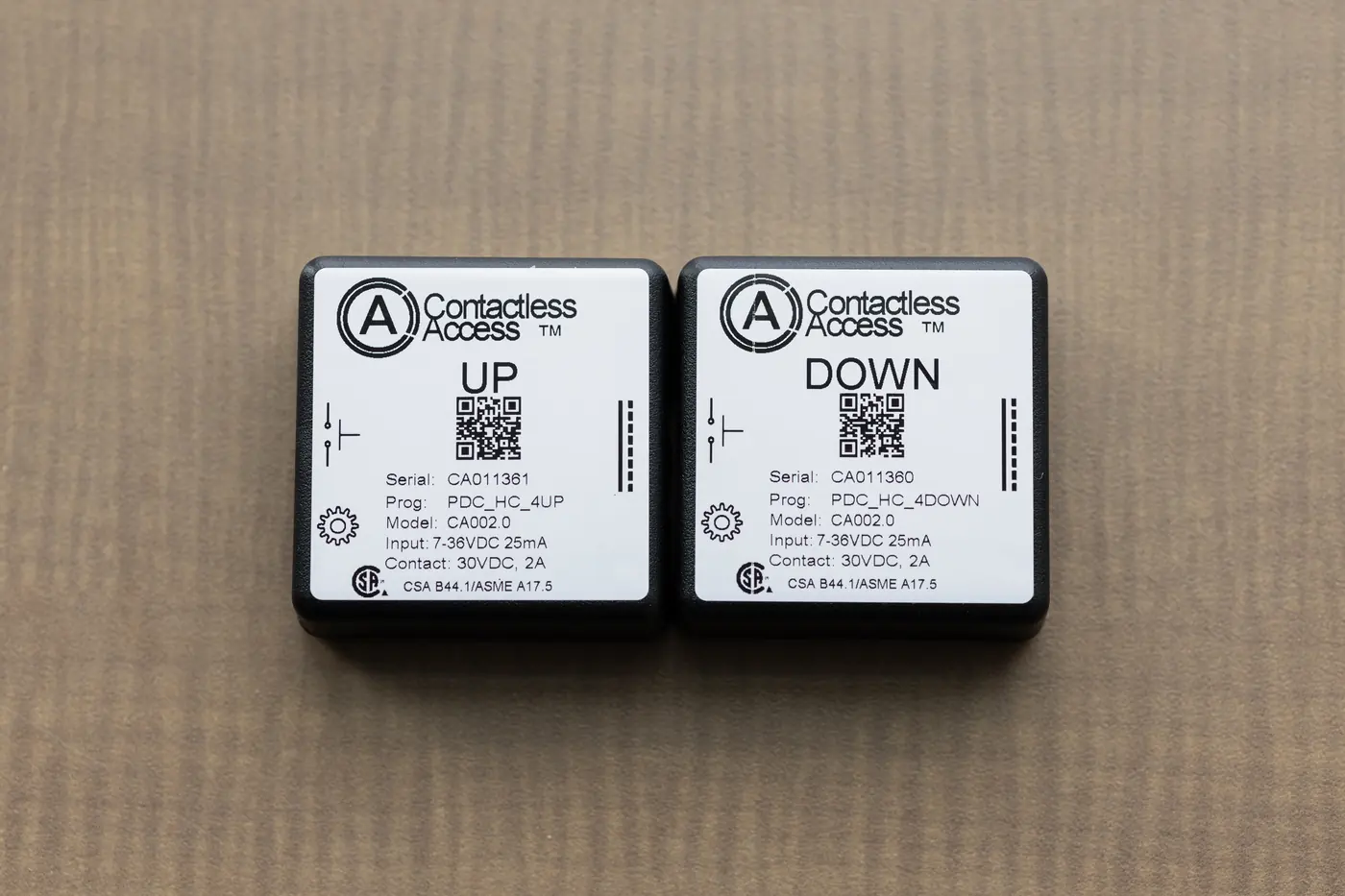
Small device. Big difference.
A Contactless Access device connects to each existing button, so the building keeps working exactly as it does today, for everyone. CA Secure simply gives every phone a way to press it, over Bluetooth, right at the door or elevator.
Bring Contactless Access to your building
Talk to us about your doors, elevators and transit, or about CA Secure for the people you serve. Read about Contactless Access at Toronto Pearson and Carleton University in the Newsroom.