
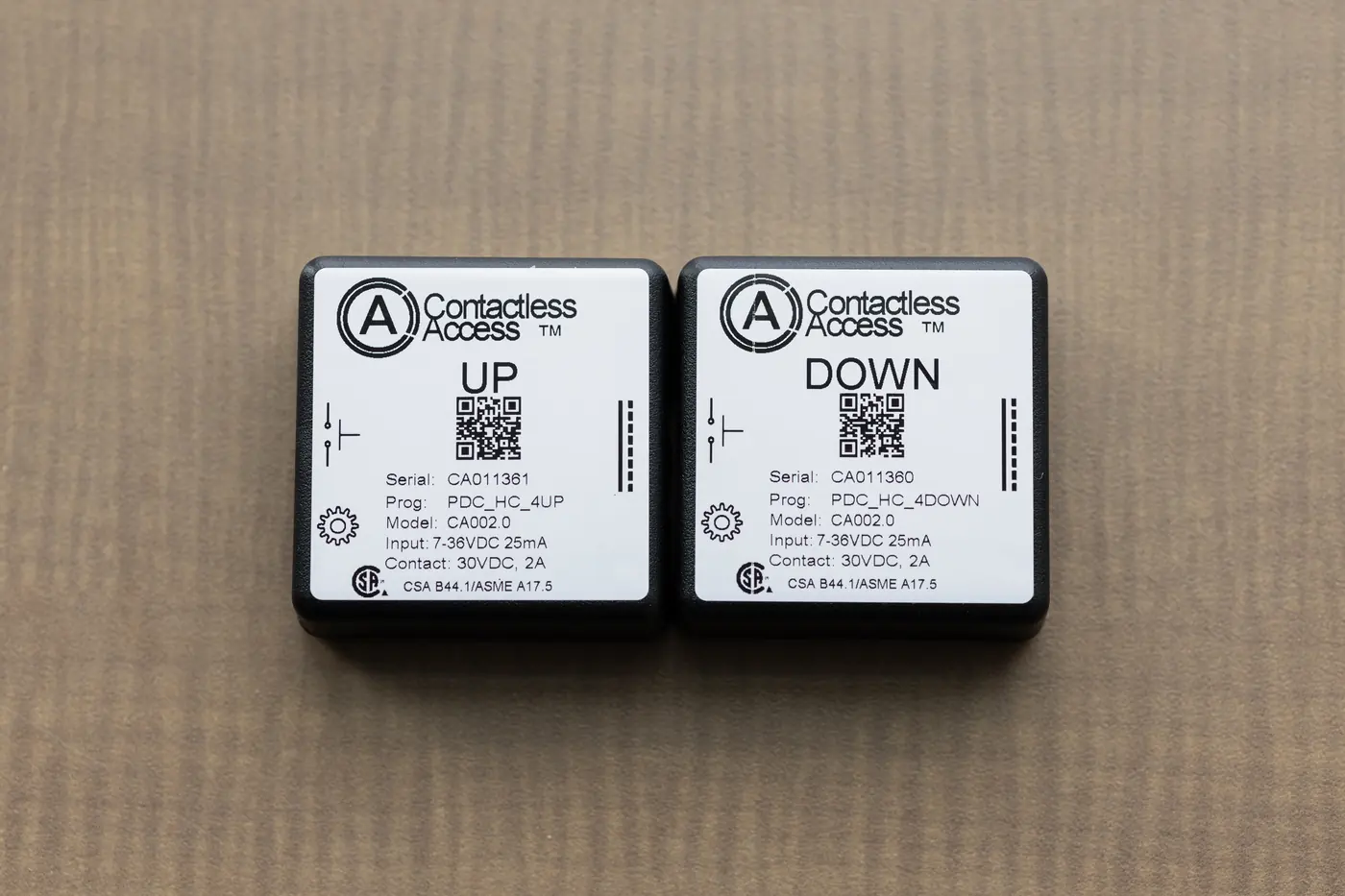
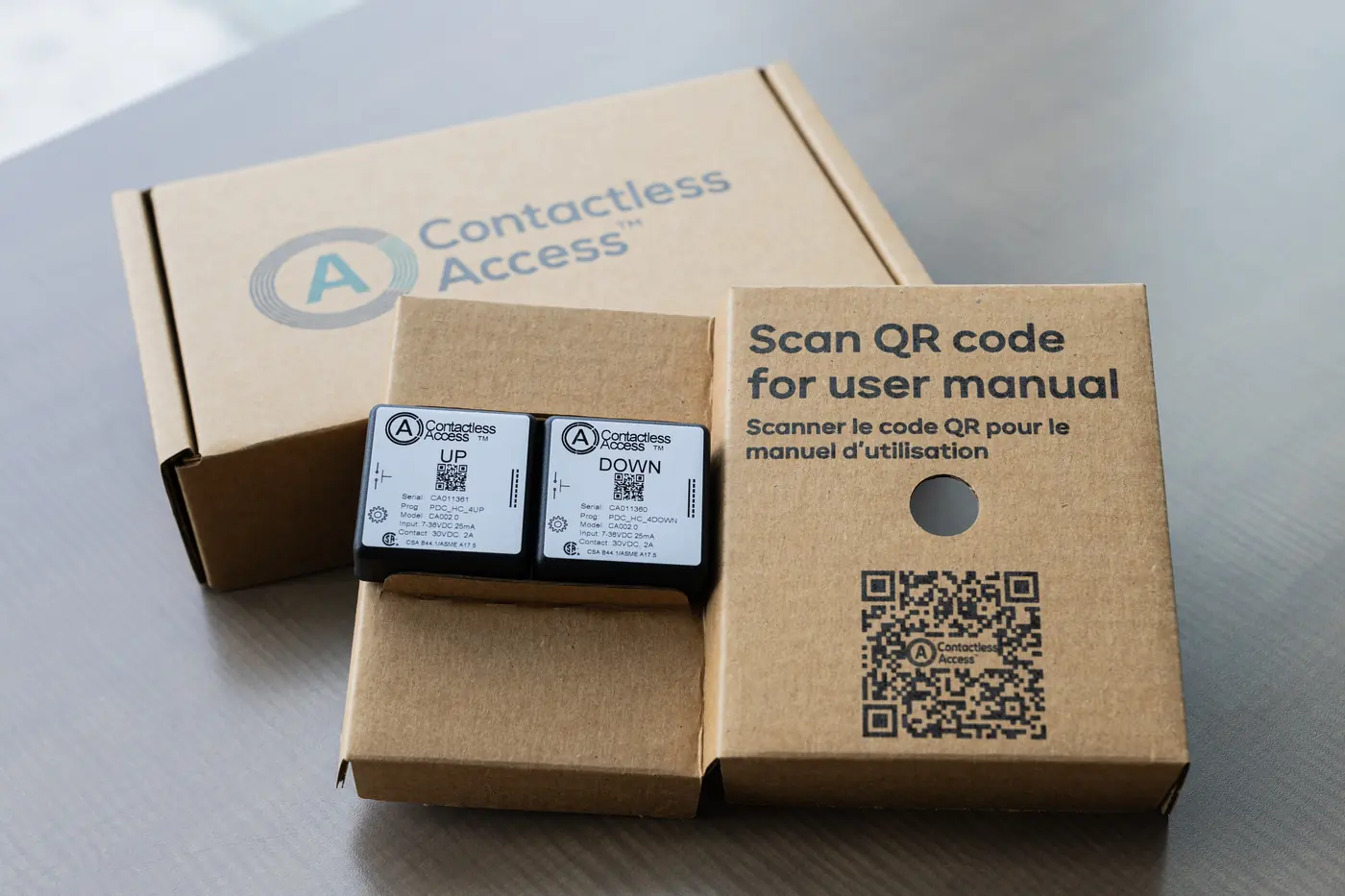
Contactless Access devices make the doors, elevators and transit buttons a building already has work from a phone. Each small device connects to an existing button, and the button keeps working as normal for everyone.
Where they go
- Elevator cars: floor buttons, door open and close, the emergency phone and the alarm
- Elevator halls: the up and down call buttons on each floor
- Accessible doors: from the building entrance to the washroom
- Transit: buttons such as Next Stop
- Secure doors: doors that only approved people may open
How they work
- New install or retrofit: they fit new elevators and doors, or existing ones
- Bluetooth, local only: the phone talks to the device right at the door or elevator, with no Wi-Fi or network connection to the device
- Low voltage: 5 to 36 VDC covers most installations; other voltages are available
- Tested and traceable: every device is tested in production and tracked to the car, floor or door it’s installed on
- Your building’s name and logo: people see your logo in CA Secure when they arrive, and can get your building’s paths
- Certified: CSA, FCC and ICES (see Documentation)
The app people use
People use the free CA Secure app on iPhone and Android: large buttons, voice control, paths, widgets, and secure doors when a building needs them.