

CA Secure is the free app for Contactless Access devices. It opens accessible doors, calls elevators and presses transit buttons from your phone, by tap, by voice, or automatically as you arrive. It brings the Contactless Access and CA PATHS apps together in one.


Free for iPhone and Android. No account, no ads, no tracking. Step-by-step help for every feature is on casecure.info.
Doors and elevators
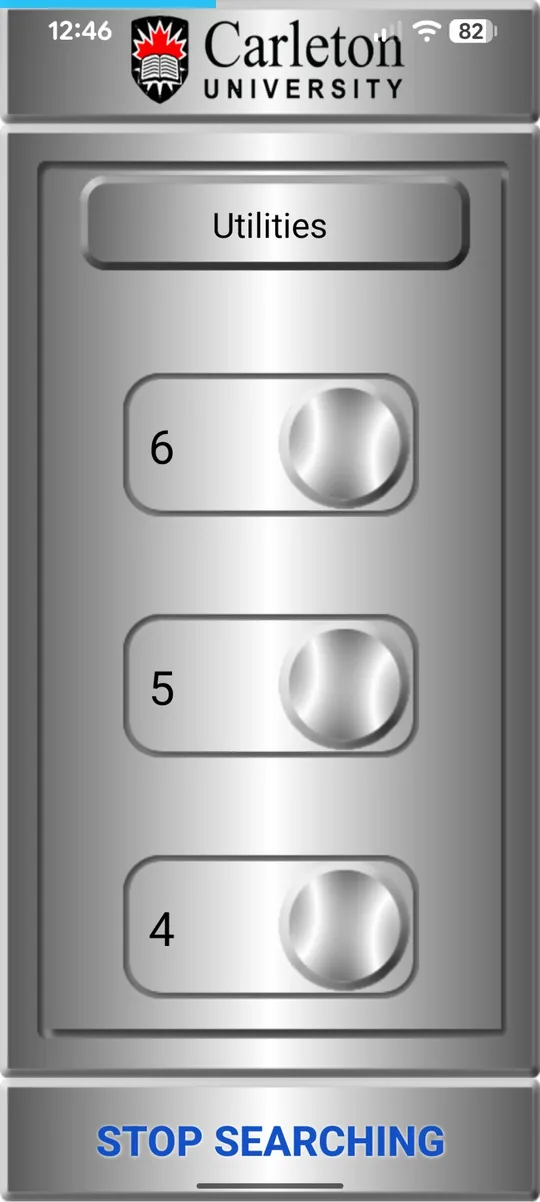
Near a Contactless Access building, its doors and elevators appear as large buttons, under the building’s own logo. Call the elevator up or down, choose your floor, and use door open, door close, the emergency phone and the alarm. Hold a door’s button to have it open automatically as you approach.
Paths
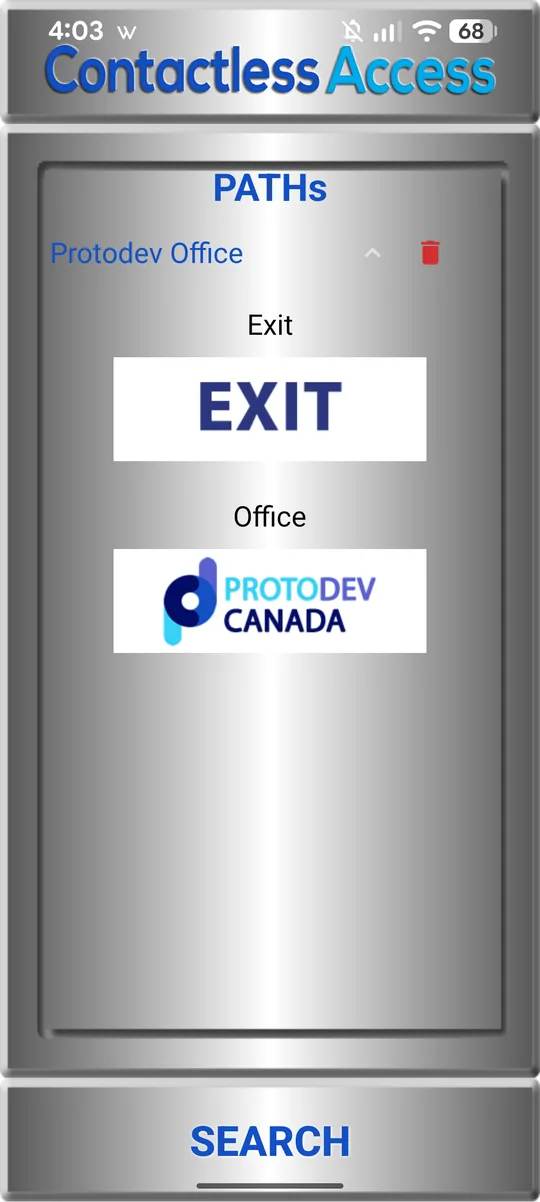
A path opens a series of doors and elevators in order, from the entrance to your apartment or office, with one tap.
- Start one from the app, a home-screen widget or your voice
- Let it run automatically as you arrive
- Make one by holding a floor button, or share it with someone
- Get a building’s own paths when you walk in
Voice: “OK CA”
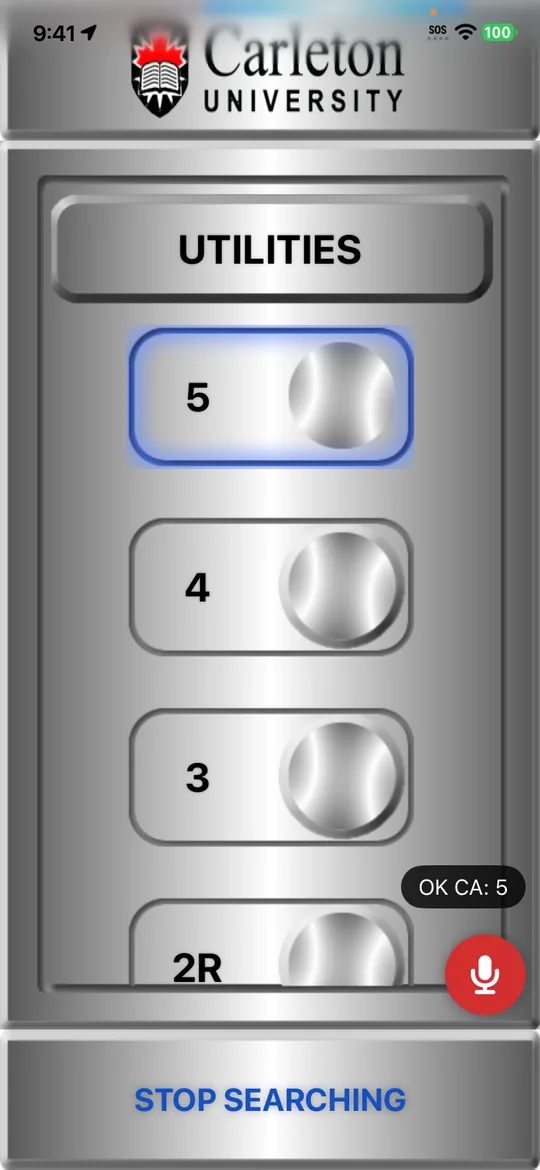
Turn on Voice control, say “OK CA”, then a floor number, a door, a path, up or down. Your phone’s own speech recognition does the listening, and what you say is never logged.
Accessibility
- Built to WCAG 2.1 Level AA, and every screen works with VoiceOver and TalkBack
- High contrast, on by itself when your phone’s contrast setting is on
- Follows your phone’s text size, up to 200%
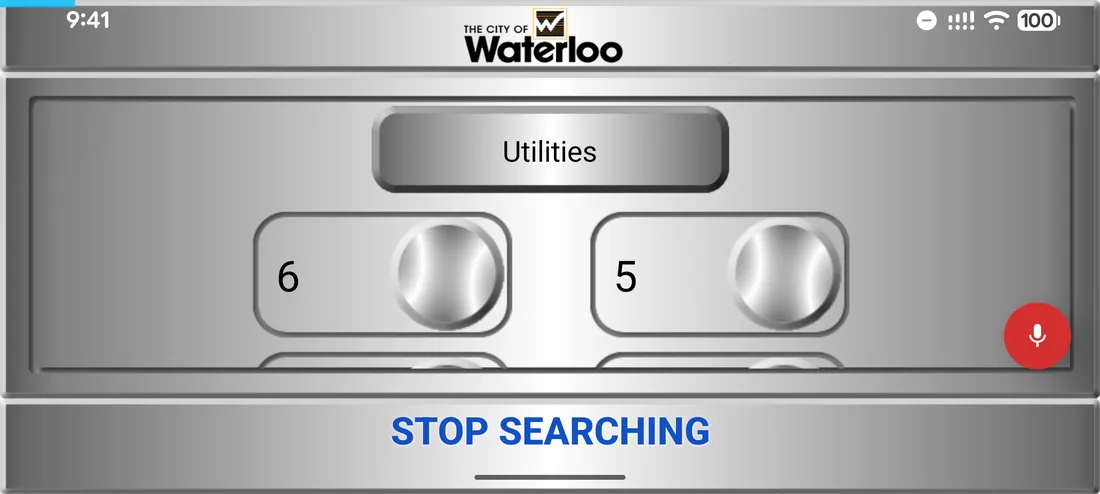
- Screen tabs, and sideways use with the phone in a holder
- English, French and Spanish
- Choose voice, contrast, screen tabs and more as you set up
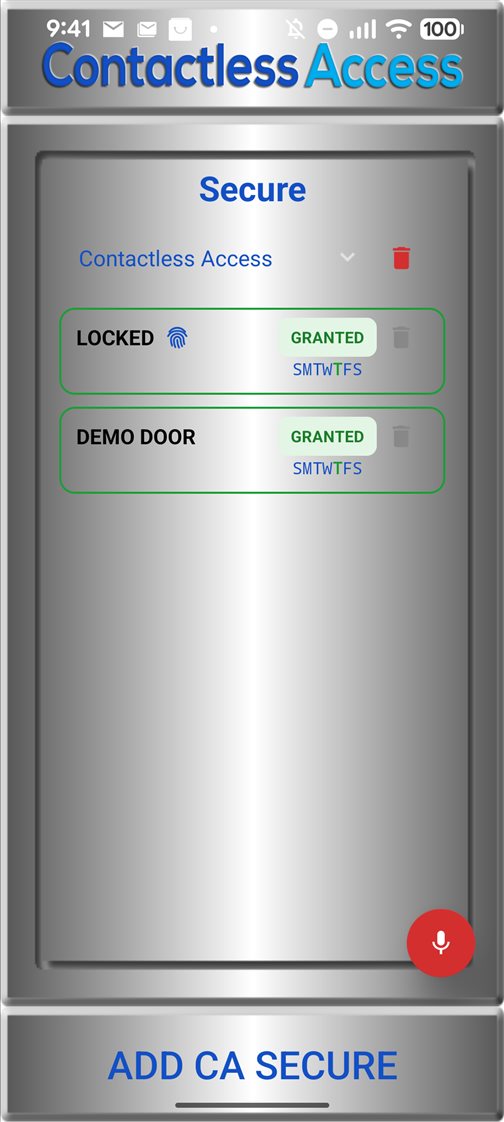
Secure doors
Some buildings have doors that only approved people may open. CA Secure handles those too.
For the person
- Access arrives by email link or QR code, with no account or password
- Protected by a one-time SMS code to your registered phone number
- Extra-secure doors also ask for your fingerprint or Face ID
- Works at the door even without internet
For the building
- Give access to one person or a whole list from the web admin
- Set dates, hours and days, and withdraw access at any time
- An access log of every press, with unrecognised phones flagged
- Security accounts for just your campus, building or doors
Privacy
Using CA Secure for accessible doors, elevators and transit, we collect no information about you. Information is only collected for optional secure doors and optional app logging. Read the CA Secure privacy policy